

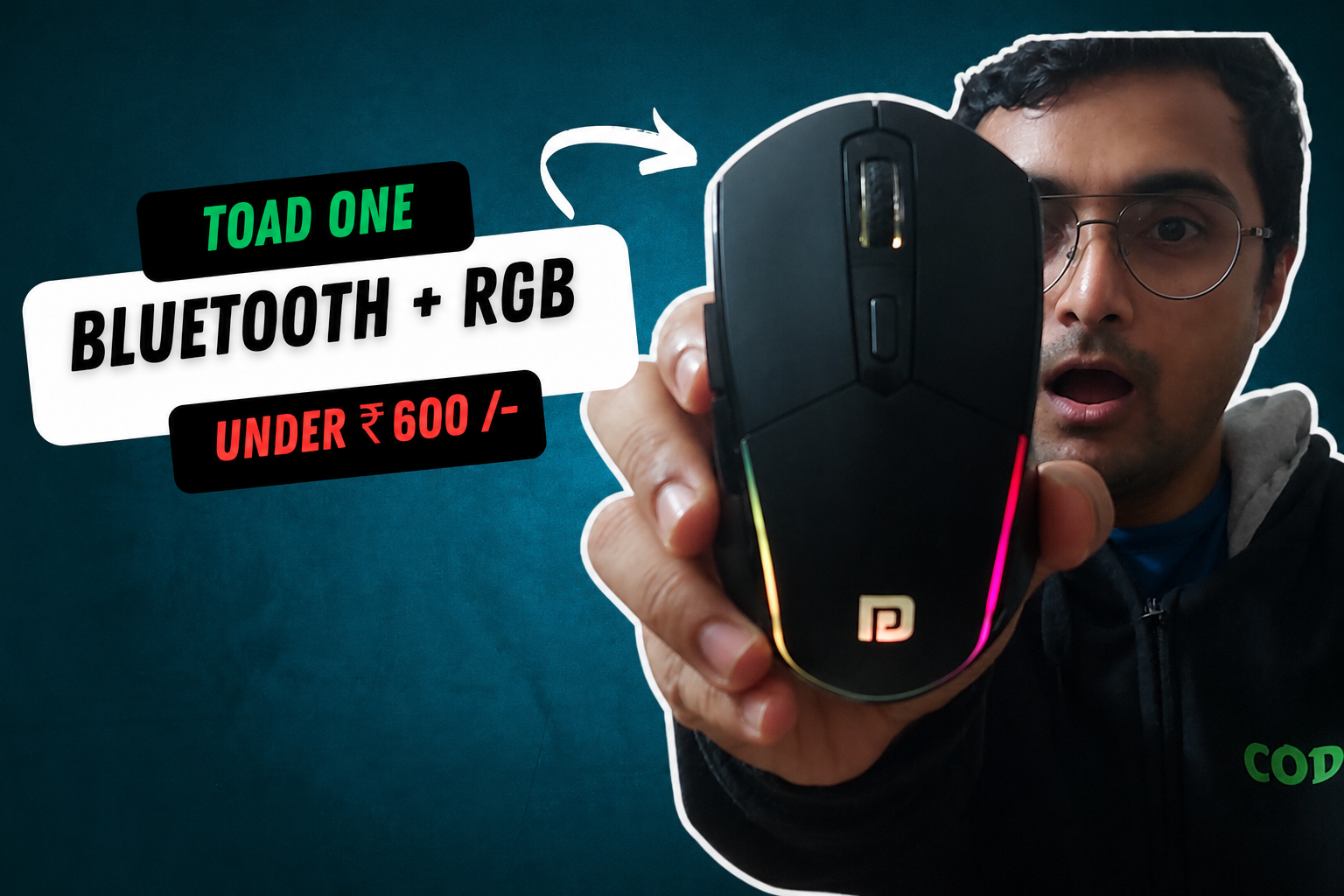
Portronics Toad One Review : Surprising Insights Revealed After 2 Years Usage
The Portronics Toad One is a wireless mouse that packs a surprising number of features for its price. It comes with Bluetooth connectivity, a USB nano receiver, RGB lighting, a rechargeable battery, adjustable DPI settings, and even customizable side buttons.
One of the standout features for me is the pair of side buttons. By default, they let you navigate forward and backward between pages. But with a little customization, you can turn them into shortcuts for actions like copy and paste, switching tabs, or triggering keyboard shortcuts.
Priced at under ₹600, the Portronics Toad One promises features that are usually found on more expensive wireless mice. But is it actually worth buying for your work from home setup?
Here’s my detailed review.
Table of Contents
Portronics Toad One Review & Unboxing
The Portronics Toad One comes in a compact retail box that highlights its main features:
- 2.4GHz wireless connectivity through a nano USB receiver
- RGB lighting
- Support for two Bluetooth devices
- Rechargeable battery
Inside the box, you get:
- Portronics Toad One wireless mouse
- USB Type-C charging cable
- Product manual
- Warranty card
The warranty card includes a WhatsApp number and QR code for warranty registration.
The user manual covers setup instructions and specifications. It also mentions that the warranty covers faults related to product design, features, and functionality.
The included charging cable is a USB-A to USB-C cable. The cable is fairly short, but you can use any standard USB-C cable for charging.
Design and Build Quality
The first thing I noticed about the Portronics Toad One is its size.
It is larger than a typical budget wireless mouse and has a premium-looking glossy finish. The larger body allows your hand to rest comfortably while working.
The mouse weighs approximately 82 grams, making it light enough for everyday use while still feeling substantial in hand.
Buttons and Controls
On the top, you’ll find:
- Left click button
- Right click button
- Scroll wheel
- DPI adjustment button
- RGB lighting strip
- Forward and backward side buttons
The front of the mouse houses the USB-C charging port.
One useful feature is that the mouse can be used while charging, so you don’t need to stop working when the battery runs low.
On the bottom, you’ll find:
- Power switch
- Device switching button
- USB receiver storage slot
The USB nano receiver fits neatly into the storage compartment when not in use.
Connectivity Options
One of the biggest advantages of the Portronics Toad One is its connectivity flexibility.
You can connect it to up to three devices:
- One device through the USB nano receiver
- Two devices through Bluetooth
This makes it useful if you regularly switch between a laptop, tablet, or smartphone.
Connecting Using the USB Receiver
Getting started with the USB receiver is straightforward.
Simply remove the nano receiver from the storage slot and plug it into a USB port on your laptop or desktop.
Turn on the mouse using the power switch.
To activate USB receiver mode, press the connection switch until the green indicator light appears.
Once connected, the mouse starts working immediately without requiring additional software.
Connecting Through Bluetooth
The Toad One can also connect directly through Bluetooth.
To pair it:
- Turn on the mouse.
- Press the connection switch until the blue indicator light appears.
- Open Bluetooth settings on your laptop.
- Select “Toad One” from the available devices.
- Click Connect.
After pairing, the mouse works smoothly over Bluetooth and even displays battery information on supported devices.
Connecting a Second Bluetooth Device
The mouse also supports a second Bluetooth profile.
Press the connection switch again until the red indicator light appears.
On your tablet or phone:
- Open Bluetooth settings.
- Select “Toad One Plus.”
- Click Pair.
Once paired, you can use the mouse normally on the second device.
Switching Between Devices
Switching between connected devices is one of the most convenient features of the Toad One.
For example, you can use the mouse with your laptop and then switch to your tablet with a single button press.
Instead of disconnecting and reconnecting manually each time, the mouse remembers previously paired devices and lets you jump between them quickly.
For users who work across multiple devices, this can save a lot of time.
DPI Adjustment
The mouse includes an adjustable DPI button that changes cursor sensitivity.
Pressing the DPI button increases or decreases cursor speed.
When the DPI changes, there is no visual indicator showing the exact DPI level. The only way to notice the change is through cursor movement speed.
Still, the feature works well for adjusting sensitivity based on your preference.
Customizable Side Buttons
By default, the side buttons function as:
- Back button
- Forward button
While browsing websites, these buttons allow you to quickly navigate between pages.
However, the real value comes from customization.
Customizing Side Buttons on Mac
Mac users can use software like SteerMouse.
After installing SteerMouse:
- Open the application.
- Select Button 4 and Button 5.
- Assign custom keyboard shortcuts.
For example:
- Pair Button 4 to Command + V
- Pair Button 5 to Command + C
This allows you to copy text using one side button and paste using the other.
Customizing Side Buttons on Windows
Windows users can use software like X-Mouse Button Control to achieve similar functionality.
Once configured, the side buttons can perform tasks such as:
- Copy and paste
- Switching tabs
- Triggering keyboard shortcuts
- Navigation gestures
- Productivity shortcuts
For productivity-focused users, this feature adds significant value.
Size Comparison
Compared to a standard office mouse like the Dell WM118, the Portronics Toad One is noticeably larger.
This larger size can be beneficial for users with medium to large hands because it provides better palm support.
The shape is clearly designed for right-handed users and may not be as comfortable for left-handed users.
Click Sound
The click sound sits somewhere in the middle.
It’s not completely silent, but it’s also not excessively loud.
Compared to a standard office mouse, the sound remains reasonable for everyday use in offices, homes, or shared workspaces.
RGB Lighting
The Toad One includes built-in RGB lighting.
When enabled, RGB effects illuminate the mouse and add a more modern look.
Dedicated RGB controls allow you to activate lighting effects whenever you want.
While RGB doesn’t improve productivity, it does make the mouse look more premium than most budget wireless mice.
Surface Compatibility
Another practical advantage is its ability to work directly on regular desk surfaces.
Unlike some budget mice that perform best with a mousepad, the Toad One tracks reliably on standard tables and desks.
This makes it more convenient for everyday use, especially when working in different locations.
Battery Life and Charging
The mouse uses a rechargeable battery instead of disposable batteries.
Charging happens through the USB-C port.
Although the included charging cable is short, any standard USB-C phone charger cable works perfectly.
One feature I appreciate is that the mouse remains fully usable while charging.
According to Portronics, the mouse takes approximately 3.5 hours to fully charge and can last between 7 to 9 days on a charge, depending on usage.
Pros
- Supports up to three devices
- USB receiver and Bluetooth connectivity
- Rechargeable battery
- USB-C charging
- Can be used while charging
- Adjustable DPI settings
- RGB lighting
- Customizable side buttons
- Works on normal table surfaces
- Comfortable large-size design
- Excellent value for the price
Cons
- Included charging cable is very short
- No visual indicator for DPI levels
- Not ideal for left-handed users
- Clicks are not silent
Final Verdict: Should You Buy the Portronics Toad One?
For under ₹600, the Portronics Toad One offers a feature set that’s difficult to beat.
You get Bluetooth connectivity, a USB receiver, multi-device support, customizable side buttons, adjustable DPI settings, RGB lighting, and a rechargeable battery in a single package.
Whether you’re a student, office worker, creator, or someone looking for an affordable wireless mouse, the Toad One delivers excellent value for money.
If you want a budget wireless mouse with productivity-focused features and multi-device support, the Portronics Toad One is an easy recommendation.
Overall rating: 4.5/5
Pingback: Best Laptop Stands For Work From Home in India - VaishakTalks